Shopping Creator Resources
Disclosure: Some links on this page are affiliate links. As an Amazon Associate I earn from qualifying purchases, at no extra cost to you.
Start Creating & Earning
If shopping is your dream job, you're in the right place!
If you enjoy sharing shopping finds, product recommendations, and things you genuinely love, there are more opportunities than ever to earn from that content.
You don't need a massive following to get started. Many creators begin with a small but engaged audience and grow from there.
This page brings together the tools, courses, creator platforms and gear I personally use and recommend. Whether you're working toward Amazon Influencer, applying to ShopMy, building an Amazon Associates strategy via Pinterest, or looking for ways to earn from product recommendations, you'll find everything in one place.
I don't have all the answers, and I'm still learning every day. But if I can help you skip some of the trial and error, that's exactly what this page is here for.
💰 Start Earning
-

Your First $100: Amazon Influencer Beginner Course
The course I recommend most often to creators interested in Amazon Influencer. Whether you're starting from scratch or already posting content, it explains how to grow a TikTok account with Amazon Influencer approval in mind.
Once you're approved, it walks you through the next steps, including how to earn your first commissions by creating shoppable videos for Amazon product pages.
This is the exact course I used when getting started and the first resource I recommend to anyone interested in the program.
-
Amazon Influencer Program
One of the closest things I've found to passive income as a creator. By creating shoppable videos for Amazon product pages, you can earn commissions from shoppers who are already researching products and ready to buy.
What makes the program unique is that videos that receive placement can remain on product pages indefinitely. A single video can continue earning commissions long after it's uploaded, without needing additional social media posts or ongoing promotion.
-
Amazon Associates Program
Amazon Associates allows you to earn commissions by sharing links to products you recommend. It's often the easiest way to get started because you don't need approval for Amazon Influencer first.
I use Associates links throughout my website, Pinterest content and social media whenever I want to send someone directly to a product I've recommended. It's a great foundation for anyone interested in earning from product recommendations.
-

ShopMy
One of my favorite platforms for sharing product recommendations and earning from purchases. It gives creators access to hundreds of brands across home, beauty, fashion, travel and more from a single dashboard.
ShopMy is competitive and not everyone is approved, but the earning potential makes it worth applying. If you use a referral link, you'll skip the waitlist and receive priority application review. I applied through a referral link and heard back within 24 hours.
While no referral link guarantees approval, it can help your application get reviewed faster.
-
Benable
Benable is one of the most beginner-friendly platforms for earning from recommendations. Instead of sharing individual links, you create organized recommendation lists that can include products, hotels, restaurants, services and more.
When someone books or purchases through one of your recommendations, you can earn a commission. It's a great option for creators who want to start earning before they're approved for more competitive platforms.
-
Mavely
Mavely makes it easy to earn from product recommendations across a wide range of retailers. Instead of managing separate affiliate programs, you can create links for brands like Target, Walmart, Nordstrom and many others from a single dashboard.
It's one of the easiest ways to start earning from products you're already sharing with your audience, especially if you want options beyond Amazon.
-

Beacons
Beacons is the platform I use to organize all of my creator links in one place. It gives you a customizable link-in-bio page where you can connect your social media profiles, storefronts, affiliate links and other resources.
One of my favorite features is the live media kit, which automatically updates with your latest stats and engagement metrics. It's a great tool for creators who want a more professional way to share their content and work with brands.
🚀 Next-Level Tools
-
PostTap by Button
One of my favorite tools for sharing Amazon affiliate links for Pinterest and social media. Instead of opening products inside the TikTok or Pinterest browser, PostTap can send shoppers directly into the Amazon app where they're often already signed in and ready to purchase.
I use it because it creates a smoother shopping experience, helps preserve affiliate tracking, and removes extra steps between the click and checkout. My goal is to make it as easy as possible for shoppers to go from product discovery to purchase.
-
Viral Vue
One of my favorite research tools for Amazon Influencer. Viral Vue helps identify products shoppers are actively interested in and provides data you won't find inside the standard Amazon dashboard.
I use it to spot trending products and evaluate the likelihood of video placement before spending time creating content. It helps me make more informed decisions and avoid filming videos for products that are unlikely to be shown to shoppers.
Use code WELCOME10 to save 10%.
-
Oink for Influencers
Oink is another tool built specifically for Amazon Influencers. Like Viral Vue, it provides additional product research and insights that go beyond what's available in the standard Amazon dashboard.
I use both Oink and Viral Vue because each offers different data and features. If you're actively creating shoppable videos and want more information to guide your product selection and content strategy, Oink is worth considering.
Use code ERICKA to save 10% on any plan.
-
Cha-Ching Automate!
One of the easiest ways I've found to get more value from content you've already created. Cha-Ching Automate automatically takes your Amazon shoppable videos and publishes them to YouTube for you.
Instead of filming and editing new content, you can repurpose videos you've already made and create an additional earning opportunity on another platform. It's a great tool for creators who want their content to work harder without adding more to their workload.
Use code ERICKA to save 10%.
🛠️ Create Content
-

Beacons
Beacons is the platform I use to organize all of my creator links in one place. It gives you a customizable link-in-bio page where you can connect your social media profiles, storefronts, affiliate links and other resources.
One of my favorite features is the live media kit, which automatically updates with your latest stats and engagement metrics. It's a great tool for creators who want a more professional way to share their content and work with brands.
-
CapCut
CapCut is the video editing app I use for TikTok, Pinterest and all of my Amazon shoppable videos. It offers editing tools that go far beyond what's available in your phone's camera roll or most social media apps.
I like it because it makes it easy to create polished, professional-looking videos without needing advanced editing skills. It's one of the most important tools in my content creation workflow.
-
Canva
Canva is where I create Pinterest graphics, Amazon Storefront collages, shoppable images and video covers. It's one of the easiest ways to create polished, professional-looking content without needing graphic design experience.
My favorite feature is the free Amazon Creators app available to Amazon Influencers. It allows you to paste in an Amazon product link and instantly pull in a background-free product image, making it incredibly easy to create Pinterest pins, shoppable images, Instagram Stories and TikTok graphics.
-

Squarespace
Squarespace is the platform I use to run Ericka's Everyday Finds. While social media is important, I believe every creator should have a home base they own.
A website gives you a place to publish shopping guides, create blog content, show up in Google search results and earn from product recommendations outside of social media platforms. It's also reassuring to know your content and business aren't tied to a single platform.
📸 Creator Gear
-
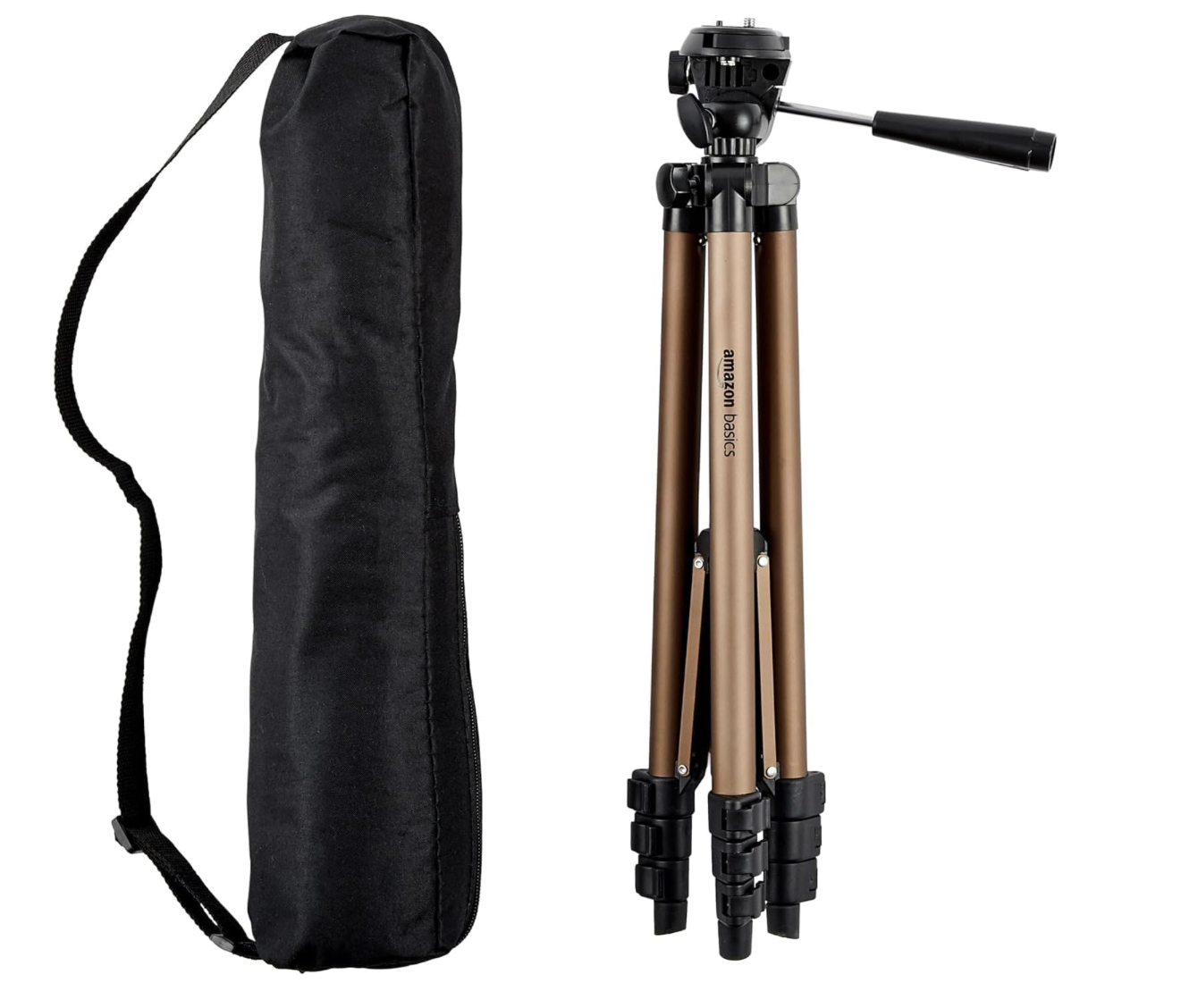
The Key to Stable Video
A tripod is one of the easiest ways to instantly improve the quality of your content. I use this one to keep my phone steady while filming Amazon shoppable videos, product demos and social media content.
It's lightweight enough to move around the house but sturdy enough to create smooth, professional-looking footage. Pair it with a phone mount adapter to securely attach your phone and create hands-free content.
-
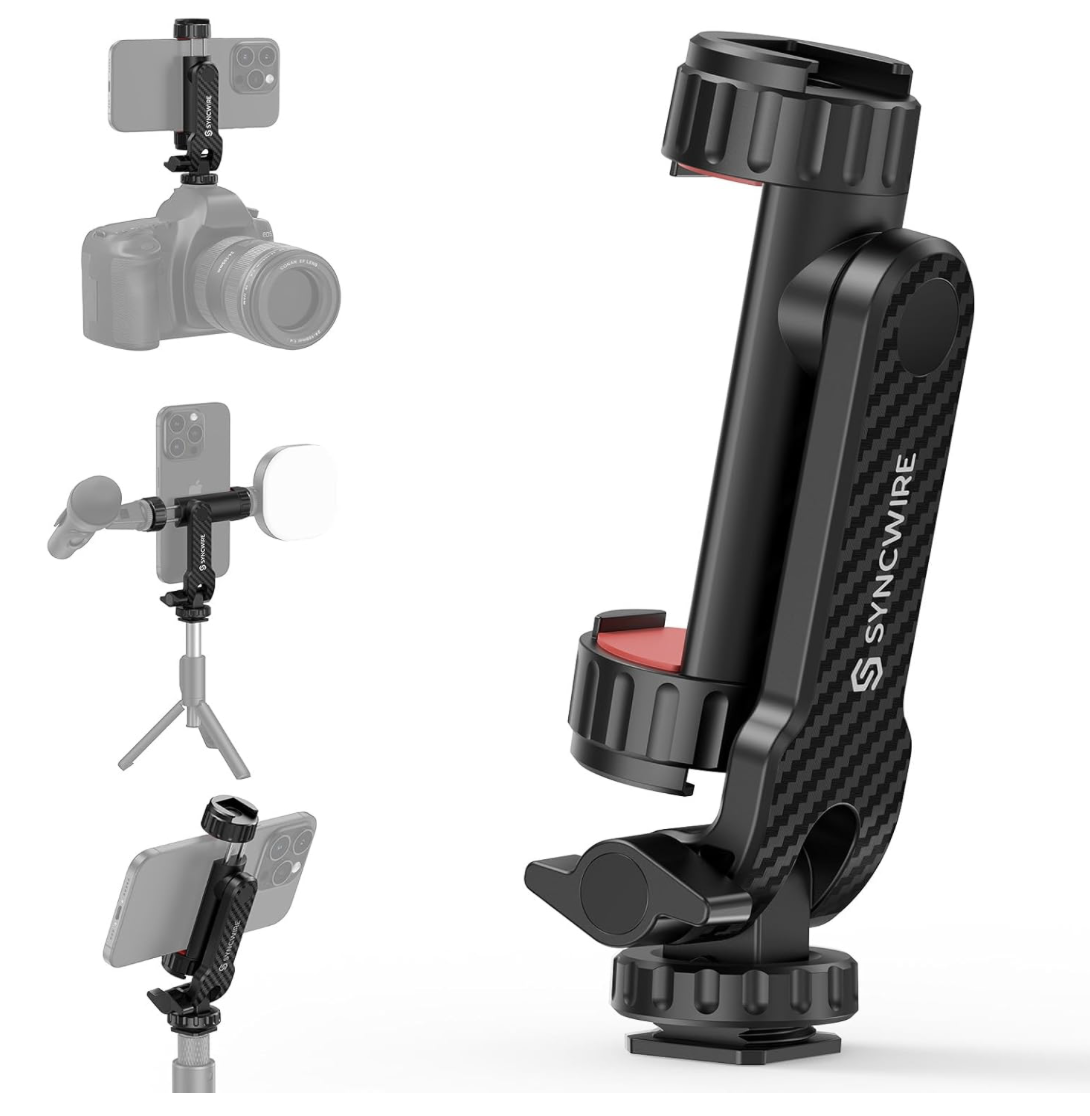
The Flexible Phone Mount
A reliable phone mount is just as important as a good tripod. I chose this one because it's sturdy enough to securely hold larger phones, including my iPhone 17 Pro Max.
My favorite feature is the ability to quickly rotate and tilt the phone, making it easy to switch between vertical content for TikTok and Pinterest and horizontal videos for Amazon. It gives me the flexibility to create content for multiple platforms without constantly readjusting my setup.
-
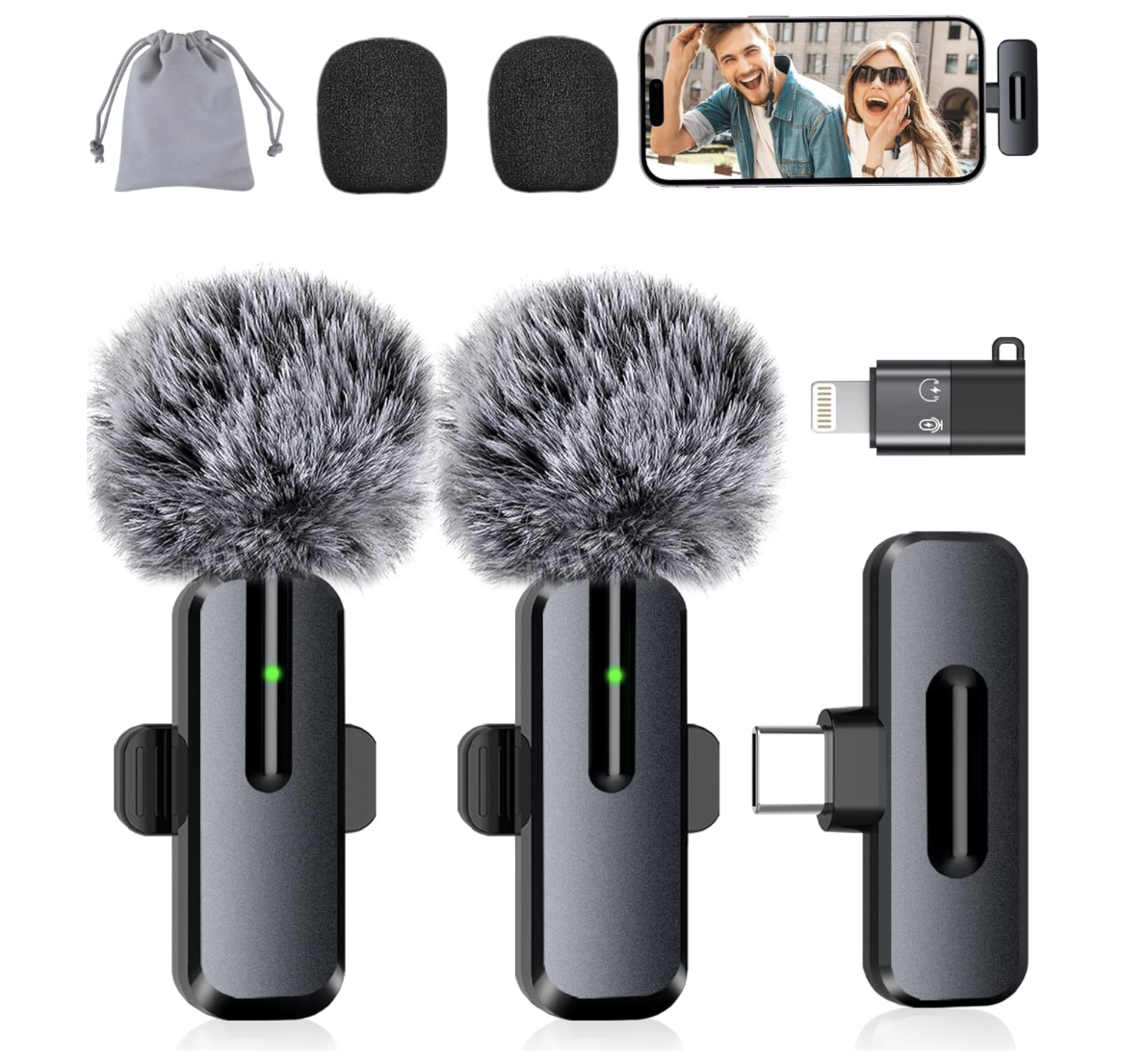
The Beginner-Friendly Microphone
If you're just getting started, this is an easy way to improve your audio quality without a complicated setup. It's the wireless microphone set I used when I first started creating content.
It helps reduce the hollow, echoey sound that often comes from recording directly on your phone and makes product reviews sound much clearer and more professional.
-
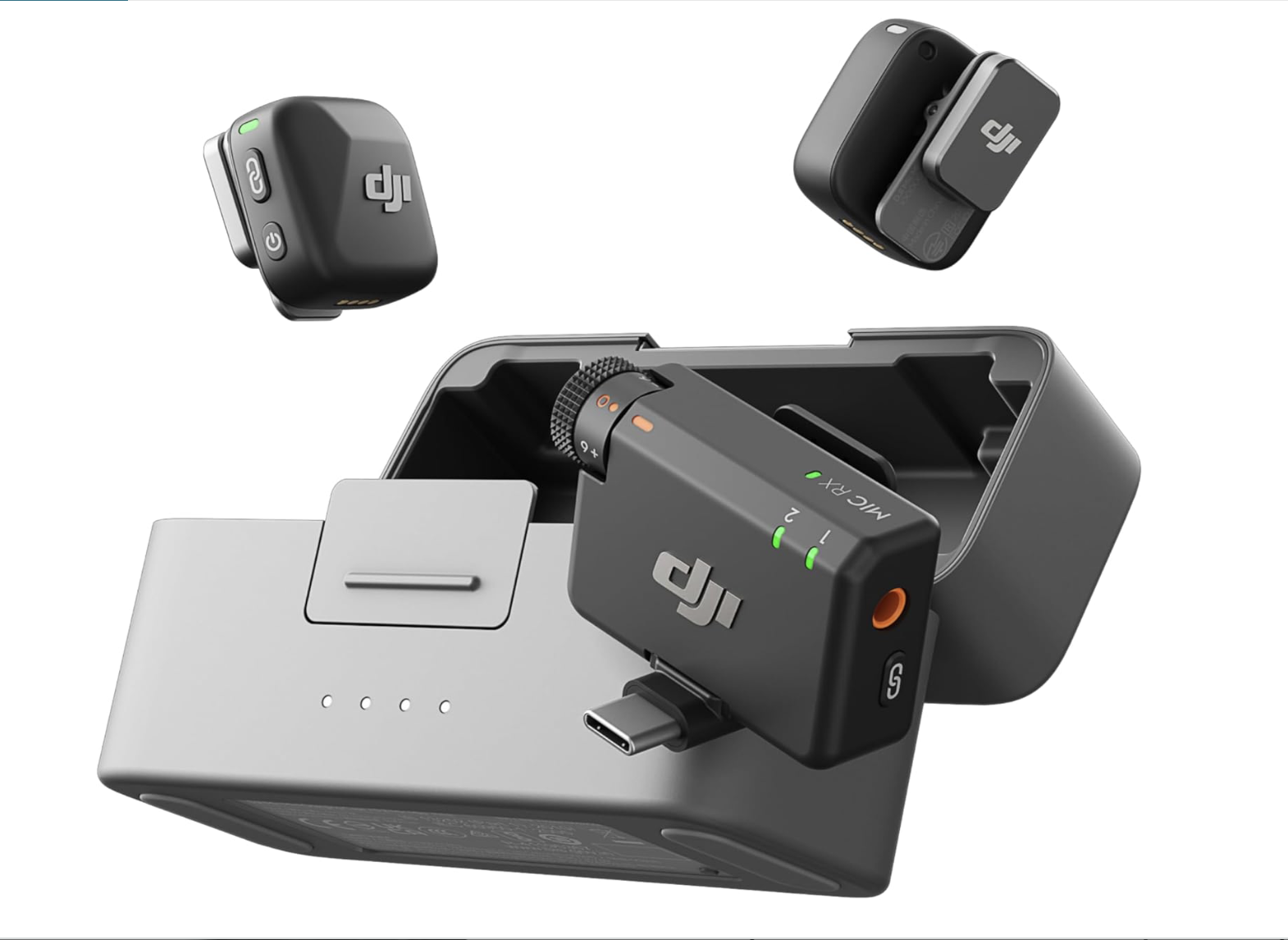
The Audio Upgrade
This is the microphone I upgraded to after investing more into my content creation business. The audio quality is noticeably better, and the noise cancellation does a great job reducing background distractions.
It's the microphone I use for my shoppable videos and other content today.
-
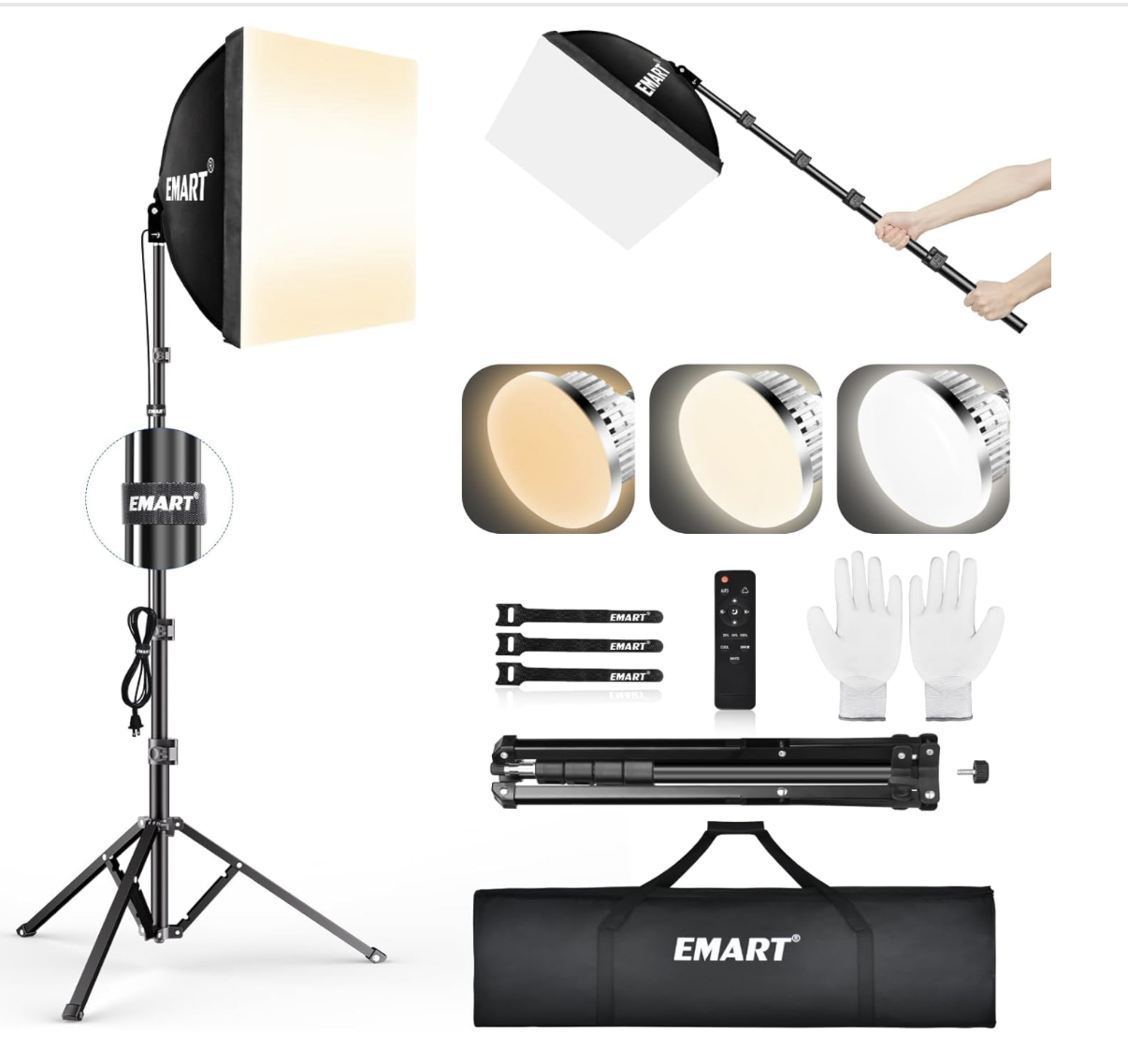
Softbox Lighting Kit
Good lighting can make a bigger difference than an expensive camera. I use this softbox to create bright, even lighting for my shoppable videos, product reviews and social media content.
The diffuser helps soften harsh shadows, while the remote makes it easy to adjust the brightness and color temperature without interrupting filming. It's an easy way to create cleaner, more professional-looking videos, even if you're filming in a room with limited natural light.
-
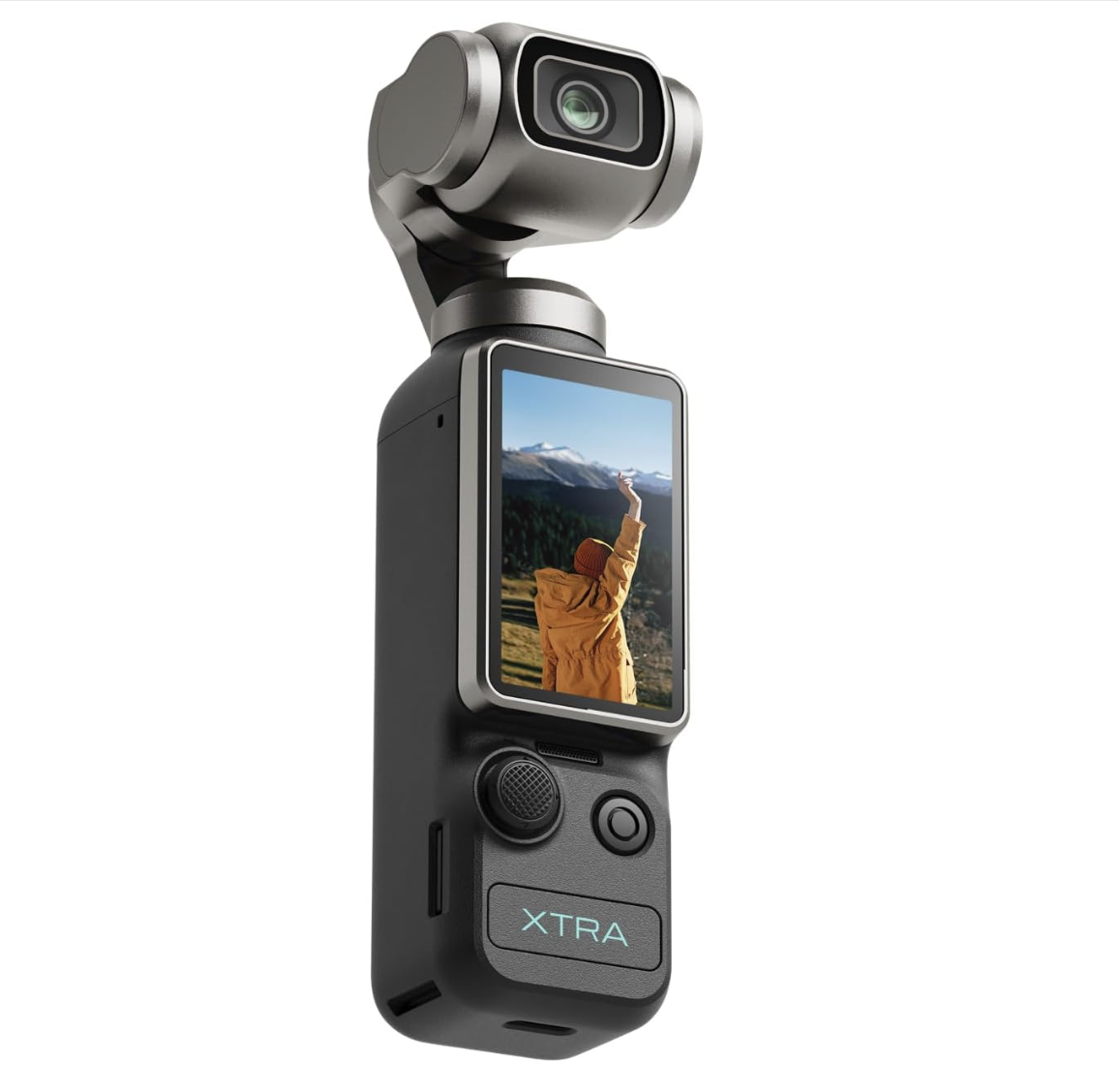
Vlogging Camera
This is the camera I use when I want to film away from home without relying on my phone. The built-in stabilization keeps footage smooth while walking, making it especially useful for shopping content, travel videos and TikToks.
One of my favorite features is the face and object tracking, which makes it easier to film yourself without needing someone behind the camera. It can also switch between vertical and horizontal filming in seconds, making it easy to create content for TikTok, Pinterest, Amazon and YouTube.
-
My Creator Gear List
The products above are the items I use most often, but they're not the only tools in my creator toolbox. I've also put together a larger collection with additional gear, accessories and content creation tools.
If you'd like to see more of the products I use and recommend, you can browse the full collection here.